Vishwadeep Khatri
Administrators
-
Joined
-
Last visited
Everything posted by Vishwadeep Khatri
-
Google CEO Sundar Pichai announced that the advanced AI model Gemini 2.5 Deep Think earned a gold-medal level performance at the 2025 ICPC World Finals, a top university programming contest. The model solved 10 of 12 problems, including one no human team could crack during the event. View the full article

-
Google and PayPal have formed a multi-year strategic partnership to develop AI-driven shopping and payment experiences. PayPal’s shares rose over 3% in late afternoon trading following the announcement. The digital payments company's solutions, including PayPal-branded checkout, Hyperwallet and Payouts solutions, will now be integrated into a range of Google products. View the full article
-
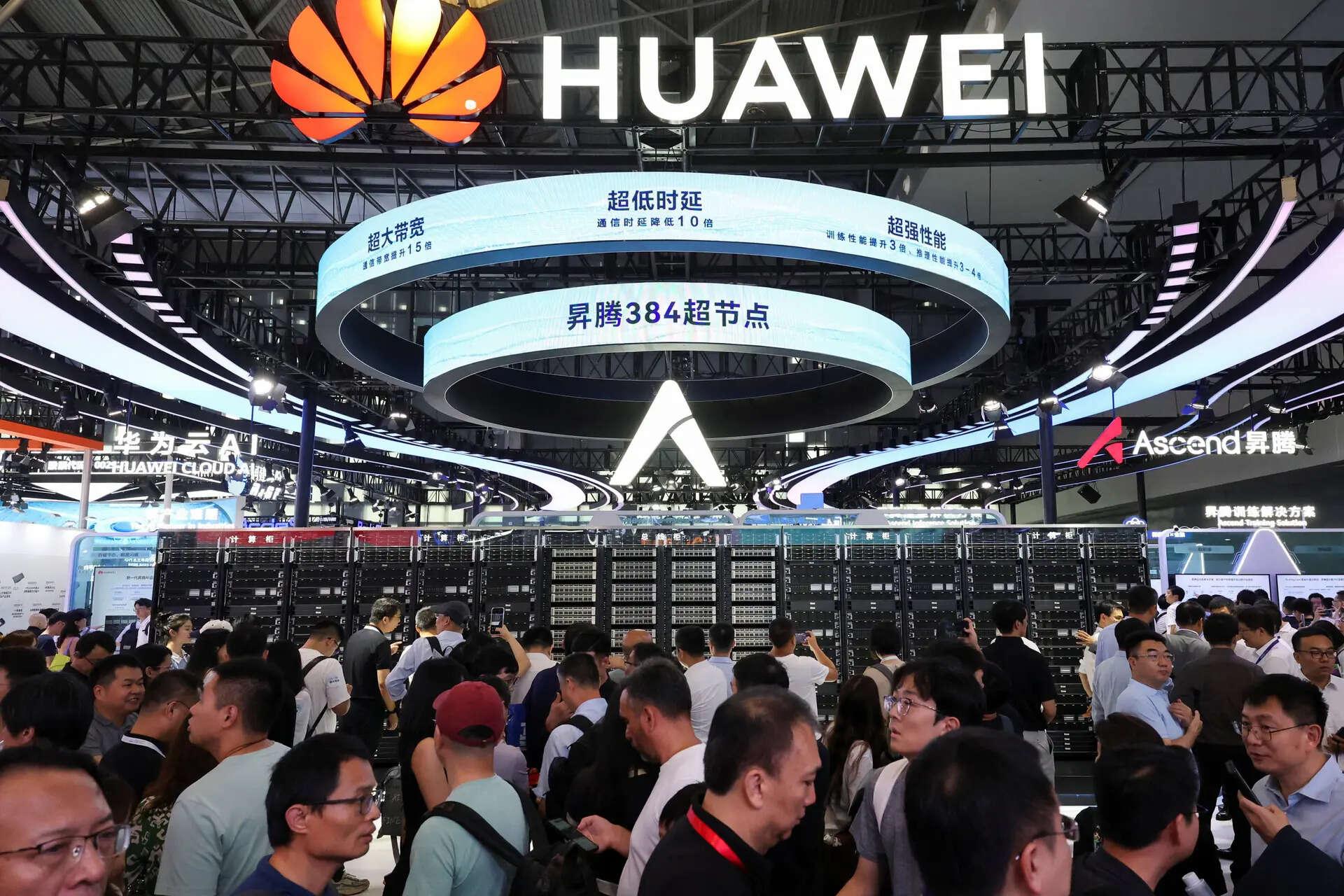
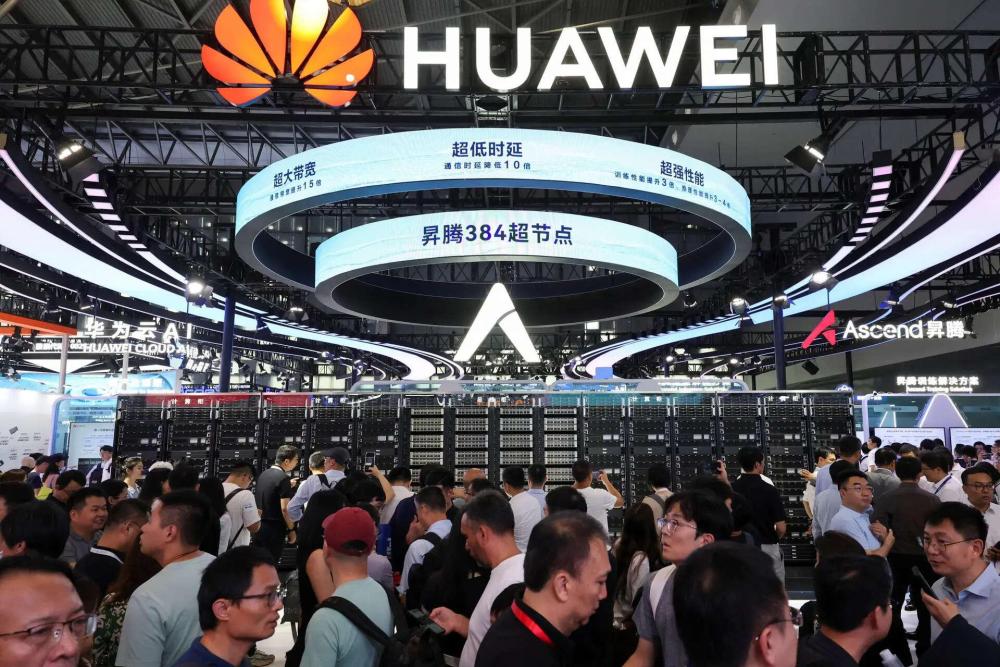
Huawei announced its plans to release four new Ascend AI chips over the next three years, signaling its ambition to compete with Nvidia in the AI chip market. The Ascend 950 chip will feature Huawei's proprietary high-bandwidth memory, overcoming a key technological challenge for China. View the full article
-
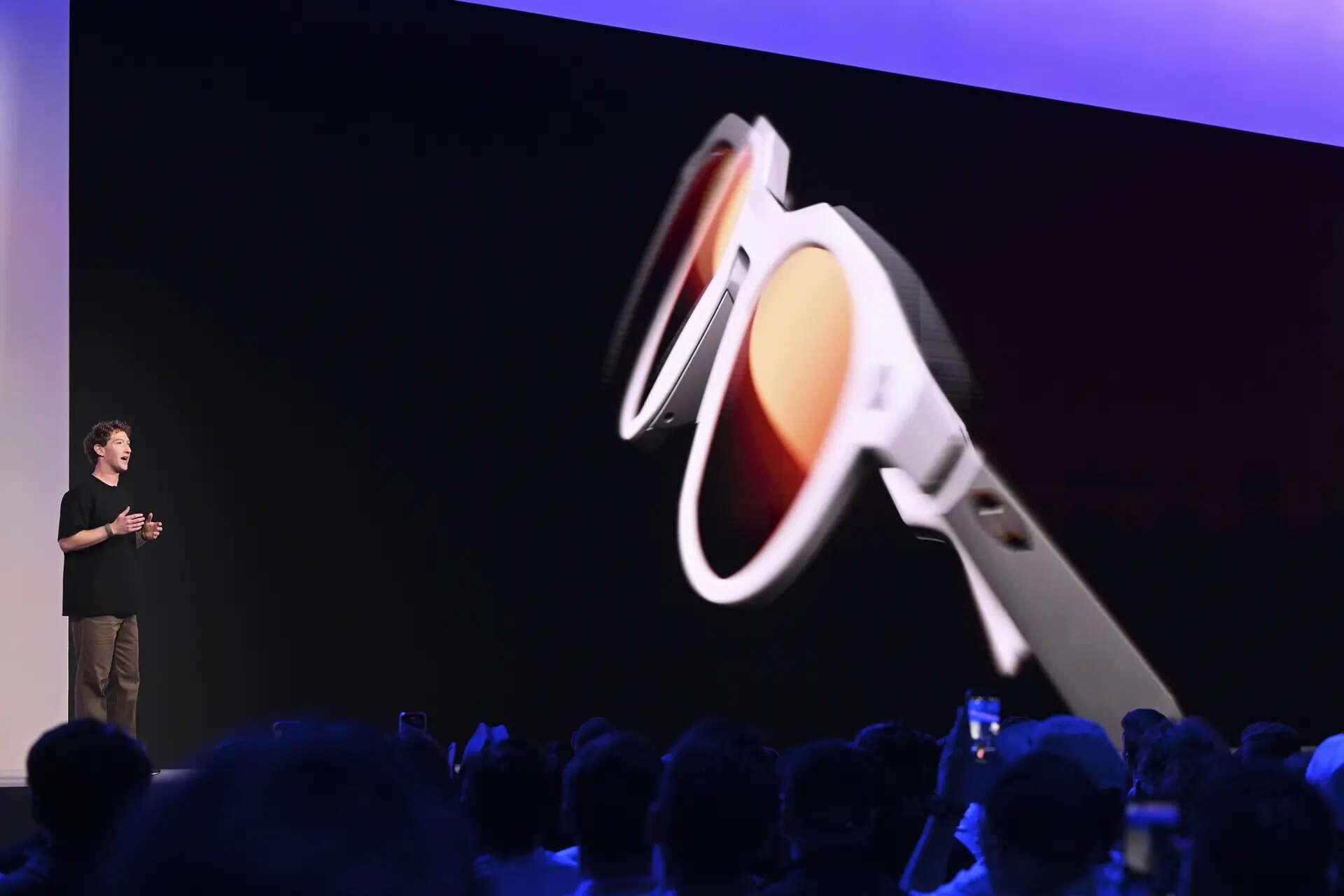
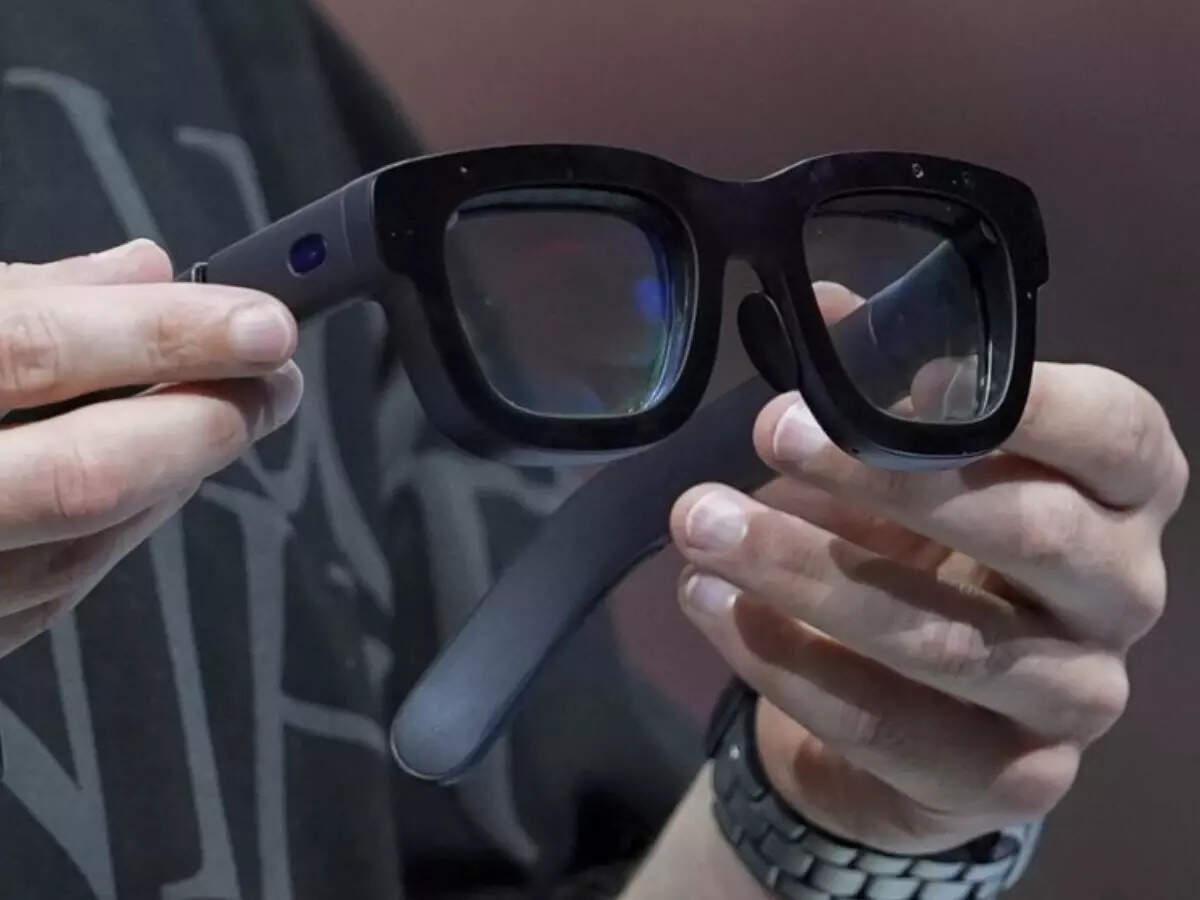
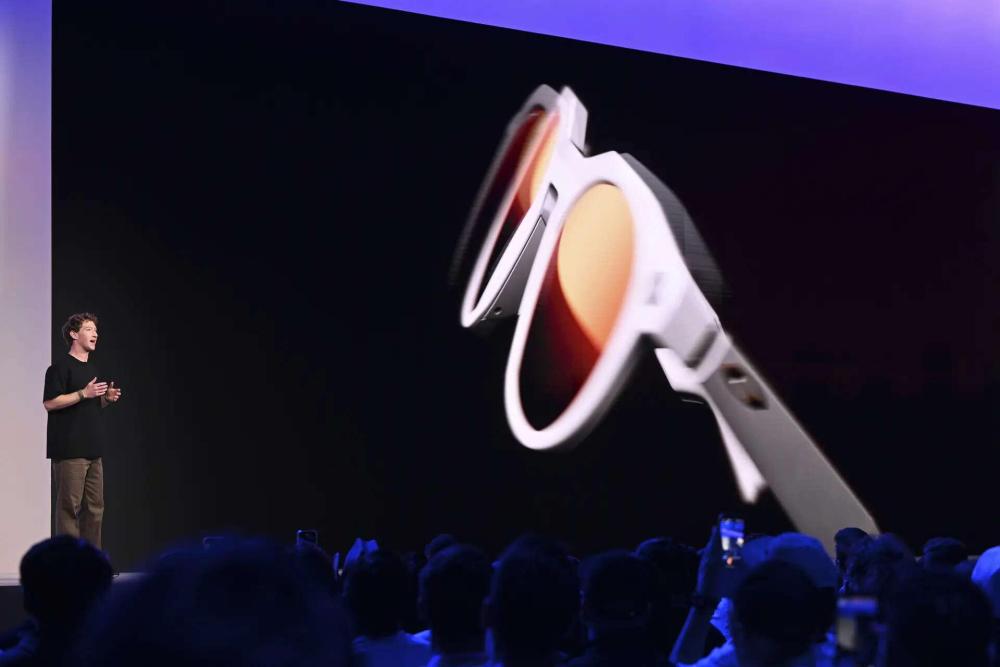
Meta Platforms has introduced its first consumer-ready smart glasses, Meta Ray-Ban Display, featuring a built-in display. Priced at $799, these glasses aim to integrate AI capabilities, enhancing communication and memory. Alongside, Meta unveiled Oakley-branded glasses for athletes and updated its Ray-Ban line, expanding its presence in the AI-driven wearable technology market. View the full article
-
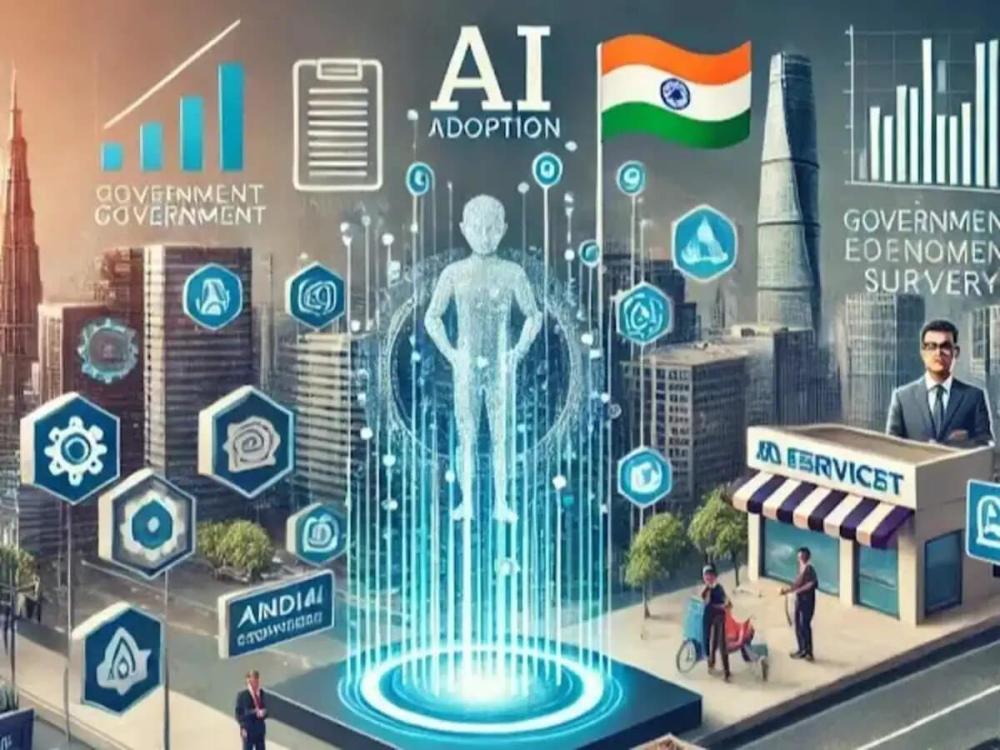
The summit, scheduled to be hosted by India in February, is the fourth annual gathering of global leaders on the technology. Reducing the global divide in AI, therefore, would be a key priority, as would the risks associated with an expanding application remit for AI, officials said. View the full article
-
Among these VC firms that have come up in the last two years are Boundless Ventures, founded by former Kae Capital investor Natasha Malpani, SenseAI Ventures, started by former senior executive at American financial technology company FIS, and Wyser, set up by two former senior tech executives, Satyakam Mohanty and Supria Dhanda. View the full article

-
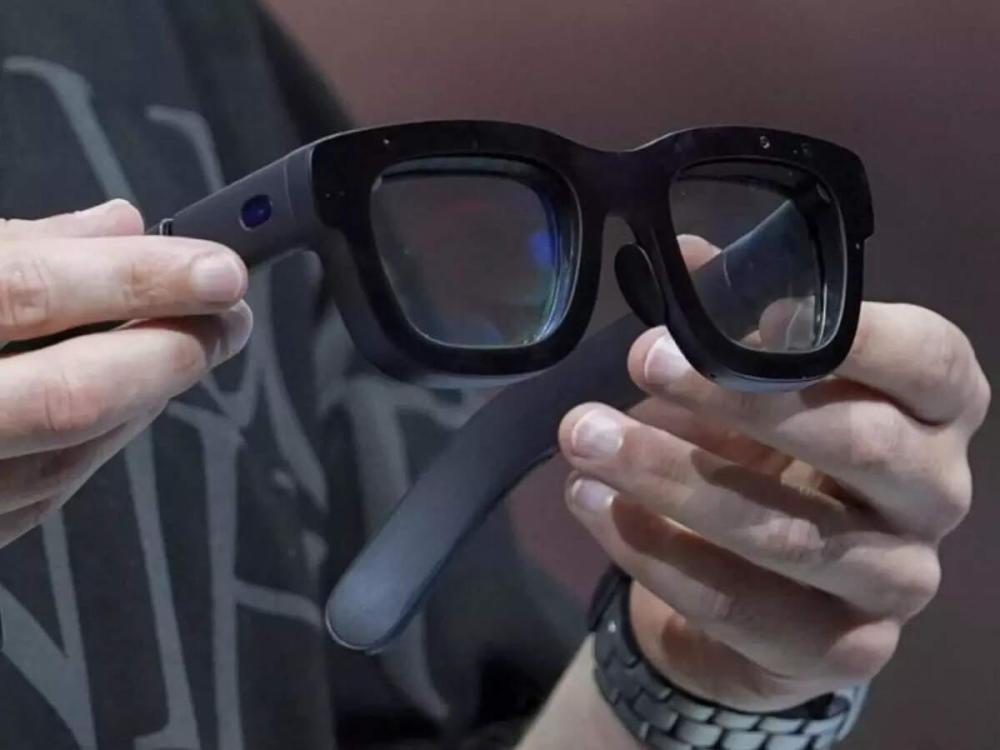
Reliance Jio, Meta, and Amazon are bringing AI-powered AR glasses to India, reviving privacy and surveillance debates reminiscent of Google Glass. While laws like the DPDP Act remain ambiguous, risks of worker surveillance and unchecked data use loom large. View the full article
-
Prime Minister Giorgia Meloni's government spearheaded the legislation saying it establishes human-centric, transparent and safe AI use as core principles while emphasising innovation, cybersecurity and privacy protections. View the full article
-
Workday announced plans to acquire AI firm Sana for about $1.1 billion. The deal underscores Workday’s push to embed generative AI into its enterprise platforms. View the full article
-
Building foundational AI models demands massive investment, a challenge for Indian startups. While unable to compete with US giants like OpenAI and Anthropic in funding, Indian firms are innovating. They are focusing on creating Indic language models at significantly lower costs, leveraging India's resourcefulness and ingenuity. View the full article

-
Winning with AI: A fortnightly column on the tips and tricks that will help propel you ahead in the AI race View the full article

-
AI tools should be efficient and effective assistants rather than unsupervised decision-makers, experts say. View the full article

-
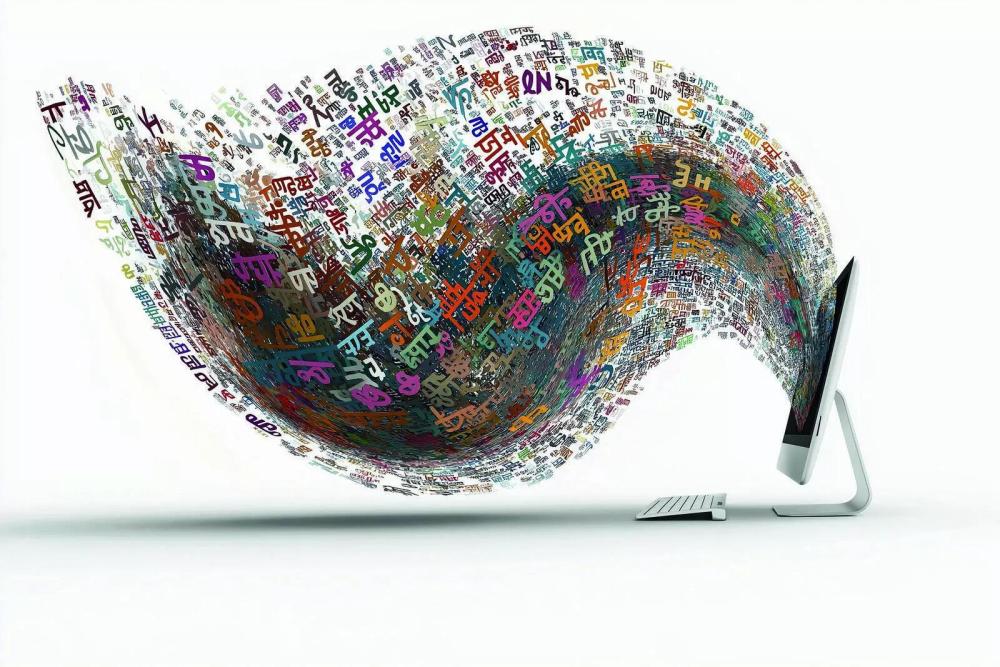
Race to build Indic models has heated up, but challenge over availability of Indic language data persists. View the full article
-
Q 806. Employee development is often constrained by limited trainer time, generic learning programs, or lack of real-time feedback. AI agents could change this by offering personalized coaching, skill-building, and continuous feedback tailored to each individual’s role and pace of learning. Think of your domain: What kind of employee development challenge could AI best address? How would you ensure the AI acts as a supportive coach rather than a controlling monitor? The best answer will be selected on the basis of: Relevance of the employee development use case Creativity and practicality of the AI coaching approach Balance between empowerment and oversight Note for website visitors - This platform hosts two weekly questions, one on Monday and the other on Thursday. All previous questions can be found here: https://www.benchmarksixsigma.com/forum/lean-six-sigma-business-excellence-questions/. To participate in the current question, please visit the forum homepage at https://www.benchmarksixsigma.com/forum/. The question will be open until Monday or Thursday at 5 PM Indian Standard Time, depending on the launch day. Responses will not be visible until they are reviewed, and only non-plagiarised answers with less than 5-10% plagiarism will be considered for winner selection. If you are unsure about plagiarism, please check your answer using a plagiarism checker tool such as https://smallseotools.com/plagiarism-checker/ before submitting. All correct answers shall be published, and the top-rated answer will be displayed first. The author will receive an honourable mention in our Business Excellence dictionary at https://www.benchmarksixsigma.com/forum/business-excellence-dictionary-glossary/ along with the related term. Some people seem to be using AI platforms to find forum answers. This is a risky approach as AI responses are error-prone because our questions are application-oriented (they are never straightforward). Have a look at this funny example - https://www.benchmarksixsigma.com/forum/topic/39458-using-ai-to-respond-to-forum-questions/ We also use an AI content detector at https://quillbot.com/ai-content-detector. Only answers with less than 45-50% AI-generated content will be considered for winner selection.
-
Vishwadeep Khatri replied to Vishwadeep Khatri's topic in We ask and you answer! The best answer wins!Congratulations to Monica Salunkhe, whose concept of a “Quality Innovation Hub” emerged as the winning entry. Her response stood out for its originality, practical design, and balanced approach to ensuring that AI-generated ideas remain both bold and feasible. Close runner-ups include Arunangshu, with his tariff-resilient AI service and modular product ecosystem, Rohan Modak, who reimagined claims triaging and customer experience in healthcare, and Pavitra Jain, for her innovative B2B “Copilot for Buyers” that blends creativity with strong feasibility controls. We also appreciate the thoughtful contributions from Shubham Chamoli, Nehal Soni, Osama Qazaqi, Kanak RoyChowdhury, and Shailendra Rai. Each brought valuable perspectives from their domains, ranging from mood-adaptive lighting and investor behavior prediction to recycling innovations, healthcare service enhancements, and wealth management. Together, these responses highlighted the many ways AI can move beyond optimization to spark meaningful innovation in products, services, and customer experiences.
-
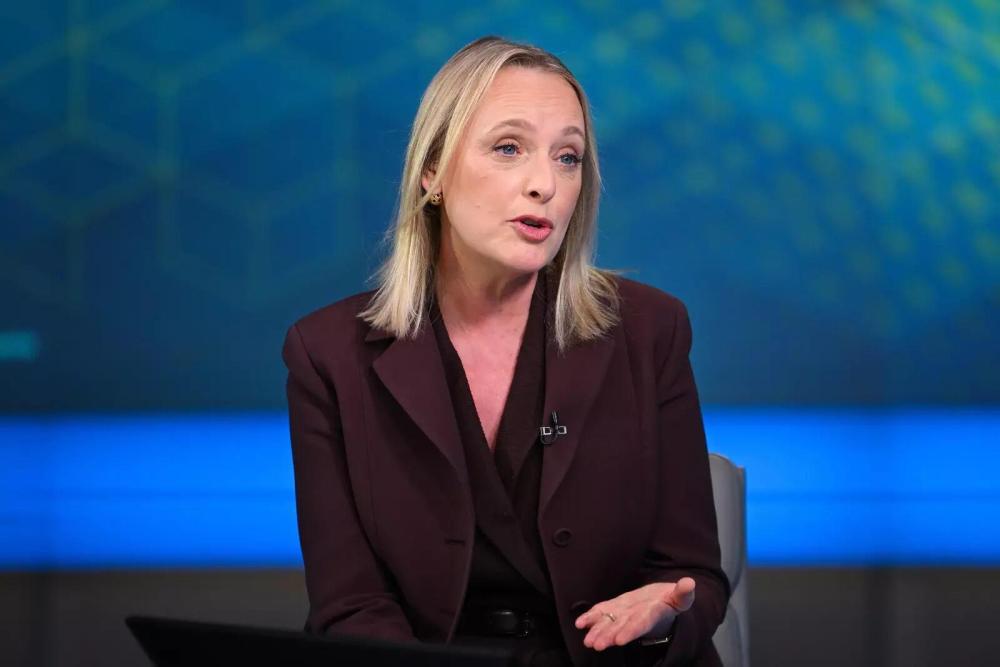
Accenture is upskilling its 700,000+ employees in agentic AI. This move will help the consulting firm meet rising client demand. The training program commenced this month. Julie Sweet, Accenture's CEO, highlighted the importance of continuous learning. Companies are increasingly adopting agentic AI for complex tasks. Accenture aims to expand its AI capabilities to address this growing need. View the full article
-
The viral Banana AI saree trend on Instagram uses Google’s Gemini Nano tool to transform selfies into 90s Bollywood-style portraits. Mostly featuring women in vintage sarees and golden-hour lighting, the trend has boosted Gemini to the top of app charts, surpassing ChatGPT and Grok in India and the US. View the full article

-
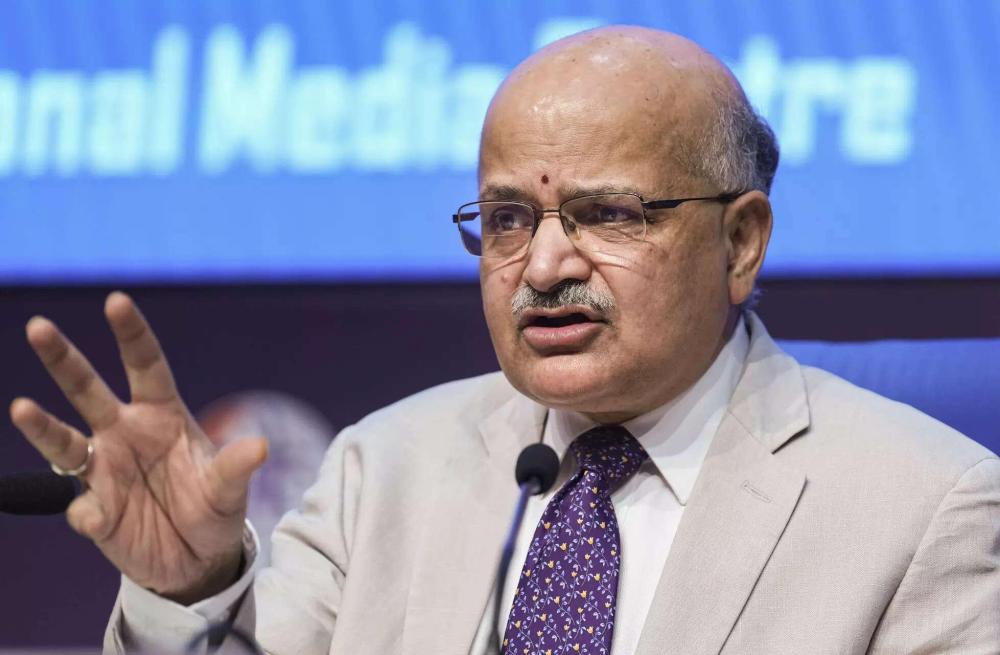
India has the opportunity to harness Artificial Intelligence (AI) as a decisive lever to achieve accelerated economic growth and realise the vision of 'Viksit Bharat', according to the roadmap released by NITI Aayog and Niti Frontier Tech Hub on Monday at New Delhi. View the full article
-
A North Korea-linked hacking group used ChatGPT to create a fake South Korean military ID in a phishing attack, researchers at cybersecurity firm Genians revealed. The deepfake aimed to deceive targets, including journalists and activists. AI tools were also used to craft malware and fake identities in broader espionage and cybercrime efforts. View the full article
-
In an interview with PTI, the top boss of the digital transformation arm of Publicis Groupe (one of the world's largest advertising companies) highlighted the need for businesses to invest in both people and digital tools to unlock the full potential of advanced technologies. View the full article
-
OpenAI has projected to share about 8% of its revenue with commercial partners, namely Microsoft, by the end of the decade. View the full article
-
The company sent out emails Friday night notifying employees that it was planning to downsize its team of generalist AI tutors, the report said citing multiple messages viewed by Business Insider. View the full article

-
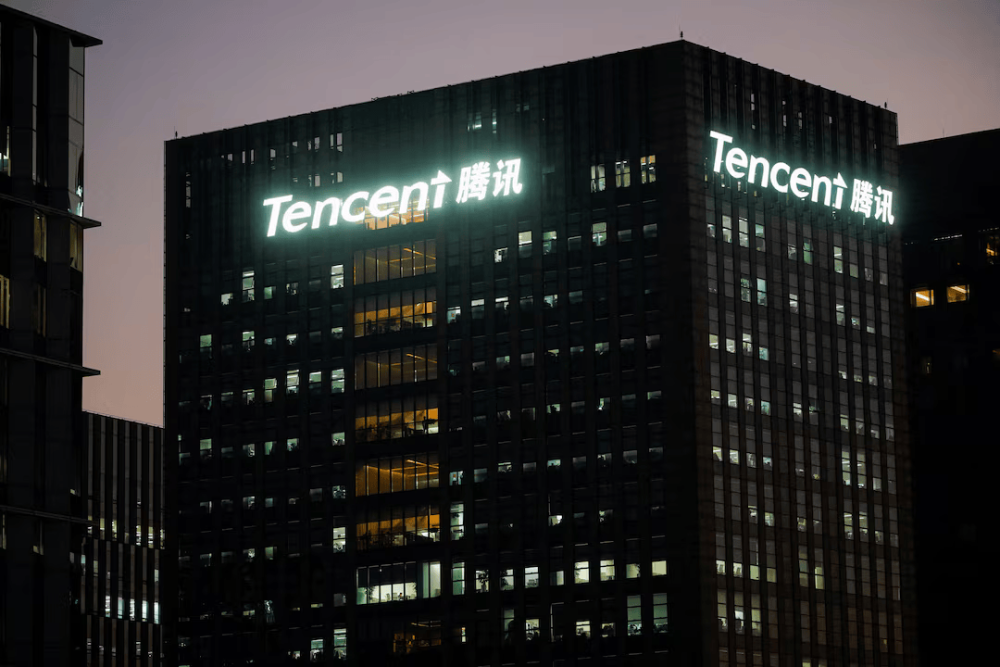
Tencent Holdings hired Yao Shunyu to work on integrating AI into its services. Yao had most recently worked at OpenAI in the US after stints at Google and Princeton University, according to his LinkedIn account. View the full article
-
OpenAI can now restructure its operating arm into a public benefit corporation with the nonprofit parent maintaining control. It would provide the nonprofit with an equity stake valued at more than $100 billion in the for-profit entity that would make it “one of the most well-resourced philanthropic organizations in the world”, chairman Bret Taylor wrote. View the full article
-
Students are uncertain when AI usage is out of bounds, Students say they often turn to AI with good intentions for things like research, editing or help reading difficult texts. But AI offers unprecedented temptation and it's sometimes hard to know where to draw the line. View the full article