Skip to content
View in the app

A better way to browse. Learn more.

Benchmark Six Sigma Forum

A full-screen app on your home screen with push notifications, badges and more.

To install this app on iOS and iPadOS
  1. Tap the Share icon in Safari
  2. Scroll the menu and tap Add to Home Screen.
  3. Tap Add in the top-right corner.
To install this app on Android
  1. Tap the 3-dot menu (⋮) in the top-right corner of the browser.
  2. Tap Add to Home screen or Install app.
  3. Confirm by tapping Install.

Jay Lew

Members
  • Joined

  • Last visited

Everything posted by Jay Lew

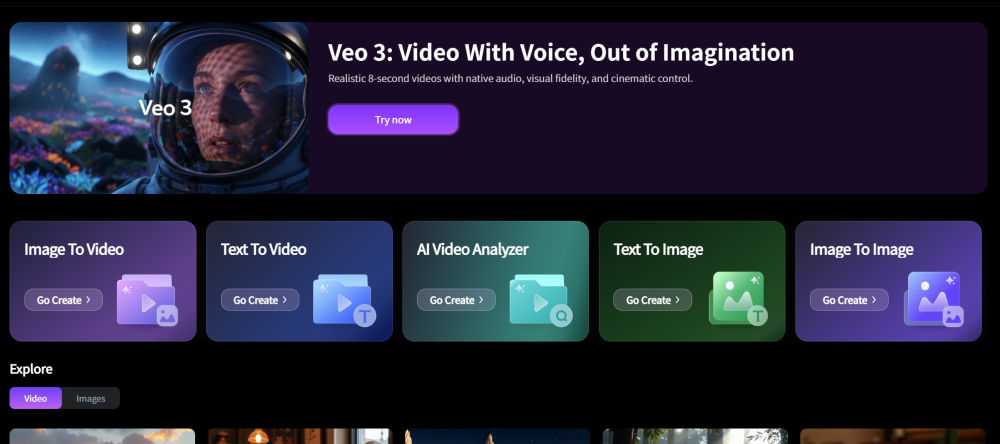
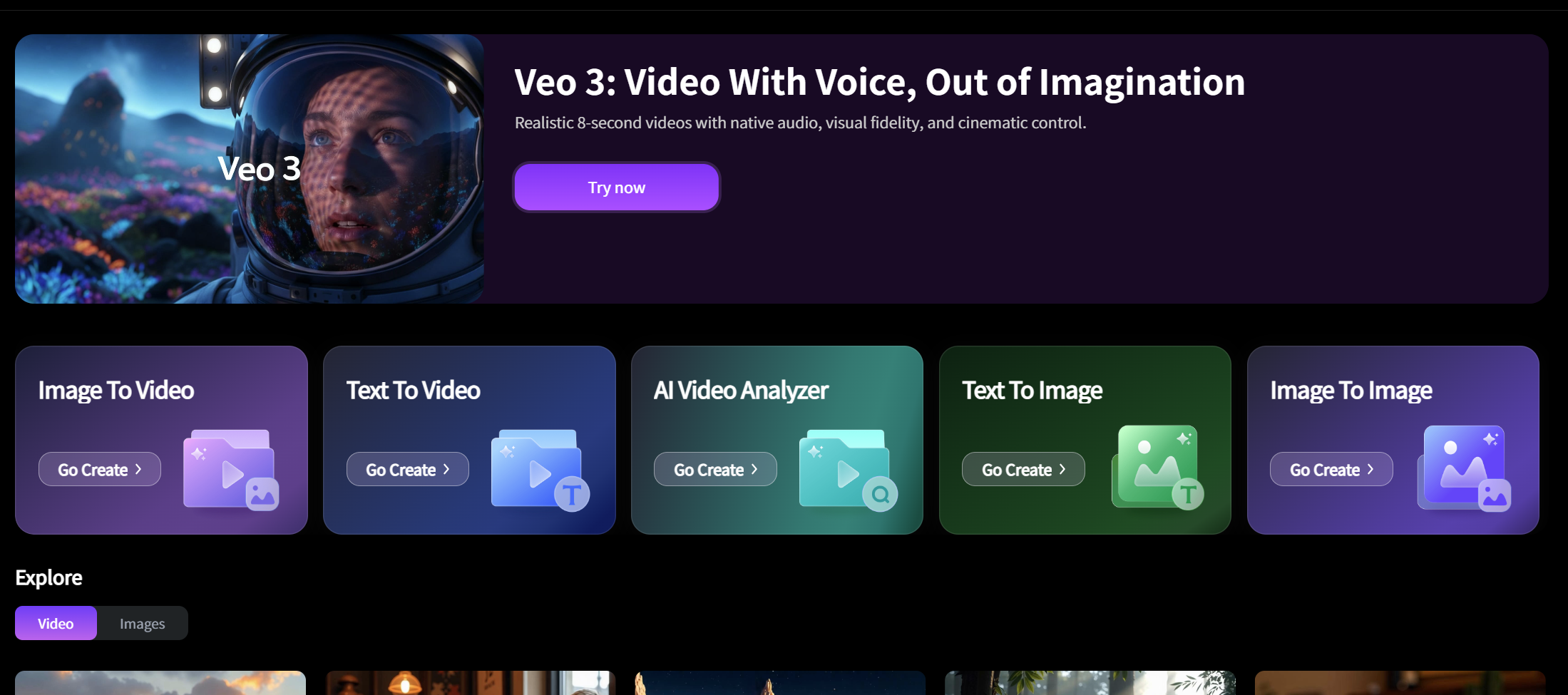
  1. AI video generation has become very popular recently, and in the past few years, many advanced models have been released one after another — such as the recent Sora 2, and earlier ones like Google Veo 3, Kling, and Seedance. However, some of these models are still quite difficult to use. Fortunately, there are platforms that integrate multiple models with user-friendly interfaces. For example, Genmi AI is quite convenient — it allows you to try out all the major video generation models in one place, and creating videos like the one you shared is really easy there.
Account

Navigation

Search

Search

Configure browser push notifications

Chrome (Android)
  1. Tap the lock icon next to the address bar.
  2. Tap Permissions → Notifications.
  3. Adjust your preference.
Chrome (Desktop)
  1. Click the padlock icon in the address bar.
  2. Select Site settings.
  3. Find Notifications and adjust your preference.