Skip to content
View in the app

A better way to browse. Learn more.

Benchmark Six Sigma Forum

A full-screen app on your home screen with push notifications, badges and more.

To install this app on iOS and iPadOS
  1. Tap the Share icon in Safari
  2. Scroll the menu and tap Add to Home Screen.
  3. Tap Add in the top-right corner.
To install this app on Android
  1. Tap the 3-dot menu (⋮) in the top-right corner of the browser.
  2. Tap Add to Home screen or Install app.
  3. Confirm by tapping Install.

Thomas Knaeps

Members
  • Joined

  • Last visited

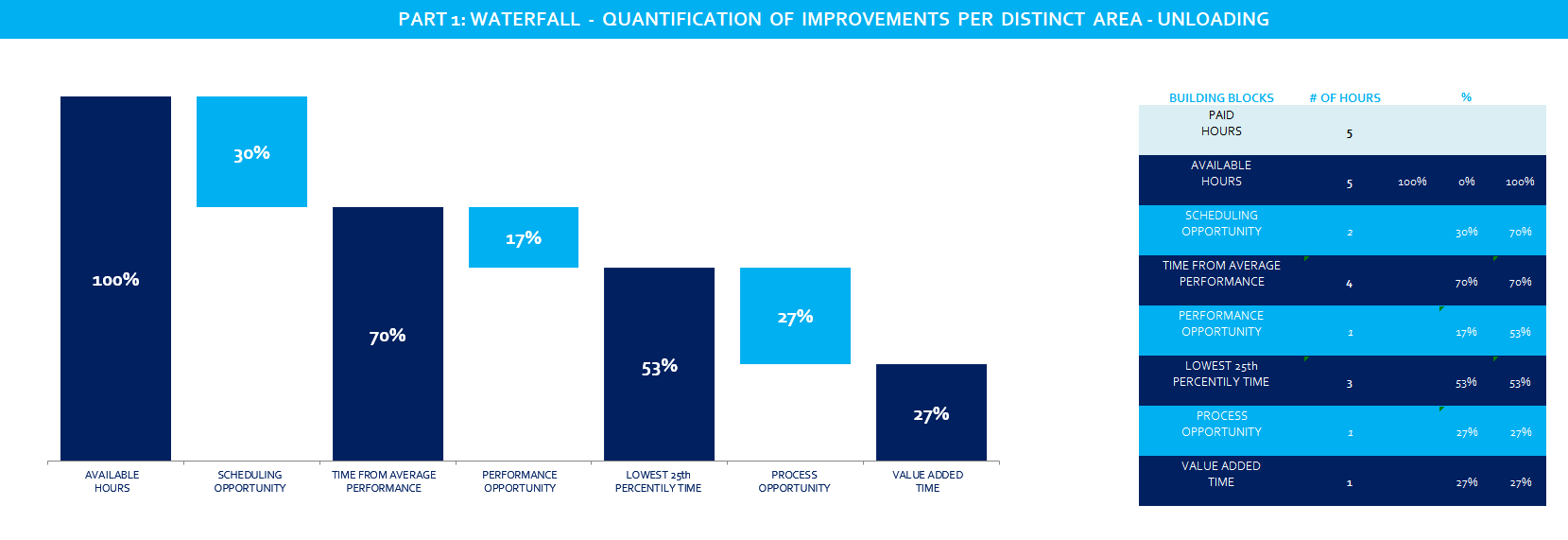
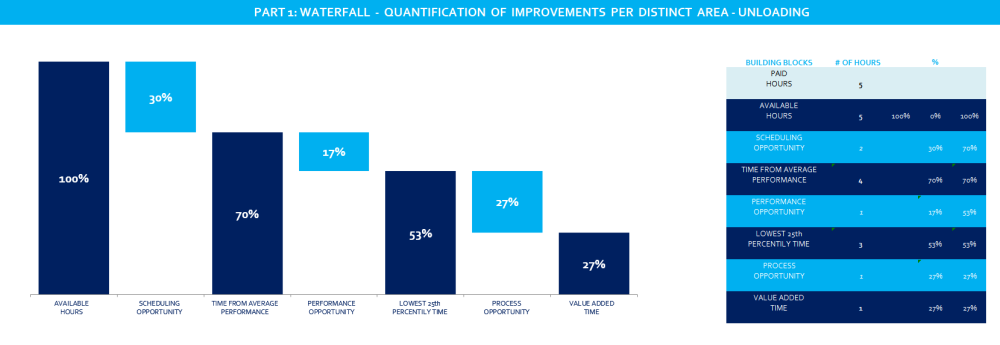
  1. Hi all, See attached picture. For getting this, we need to do manual measurements in order to find scheduling, performance and process opportunity. We are looking into a way to make it more pragmatic and let the warehouse do measurements themselves. But then it needs to be very clear and straightforward. And when we have the data, we need to get the graph in attached example out of it. I was wondering if there are any tools available or any advice in general? I know my question is pretty wide, so maybe some further clarifications will be needed, but let's start with this. thanks, Thomas
Account

Navigation

Search

Search

Configure browser push notifications

Chrome (Android)
  1. Tap the lock icon next to the address bar.
  2. Tap Permissions → Notifications.
  3. Adjust your preference.
Chrome (Desktop)
  1. Click the padlock icon in the address bar.
  2. Select Site settings.
  3. Find Notifications and adjust your preference.