Wengkit Cheong
Members
-
Joined
-
Last visited
Everything posted by Wengkit Cheong
-
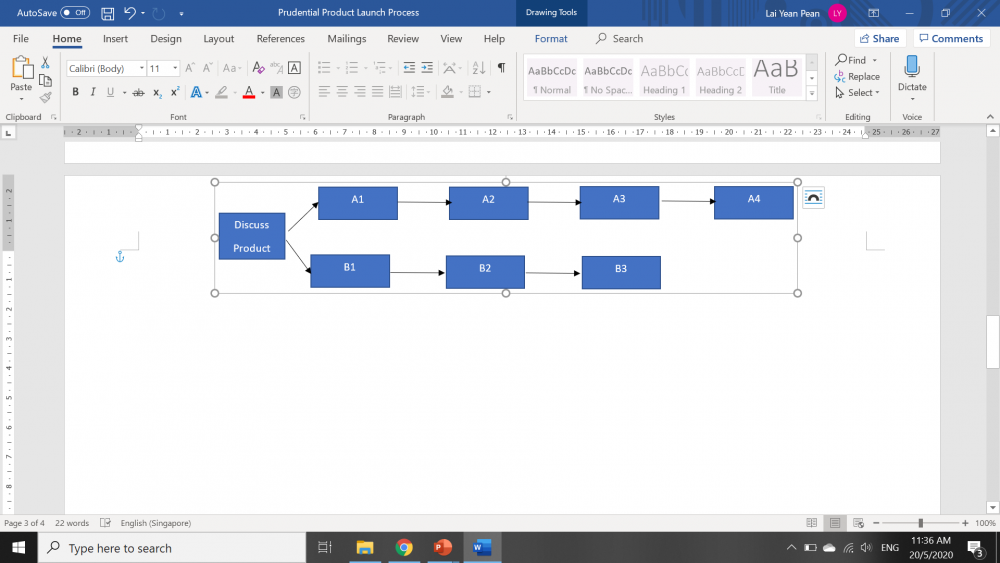
Hi all gurus: I am new to this forum, I saw some very good posts here, thank you all for the kind sharing. I am doing a project on product launch process in a financial services industry. The launch lead time is really long ~ 3 to 6 mths, so the project Y is to find ways to reduce the end-to-end lead time before a new product can be launched. THere are at least 12 departments involved 1. Collecting processing time and lead time with some degree of accuracy Currently the people doing the work do not track the time, they only use email to send contents, and have discussions when needed. Are there any good advice to get them to share 2. Concurrent process step activities branching out simultaneously with varying processing / lead time Product launch process at some point branch to simultaneous activities done by different roles, and then converge back. What is norm in VSM - do we model both branches of parallel activities on VSM, showing different timelines stacking 1 on top the other, or do we just model the longer branch? 3. Rework Some process activities done by Role A, get sent to Role B. Role B sends it back due to rework. Say if there are 2 times rework by Role A. How do we show the 2 X rework time slots on the VSM? Or do we just make bubble 2 X rework... so that audience computes the time in their mind after seeing Thank you for any good expert responses